![support.png]](https://help.prevuehr.com/hs-fs/hubfs/support.png?height=40&name=support.png)
Account navigation
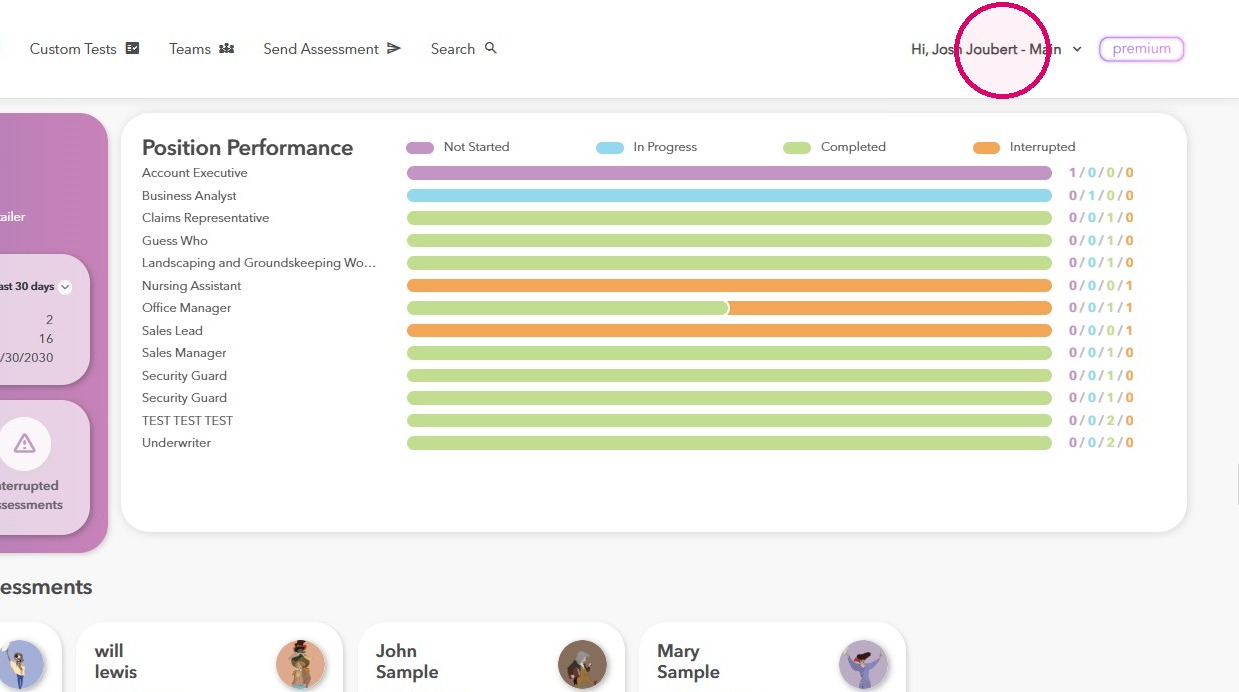
1. Open the Account Menu by clicking your name.
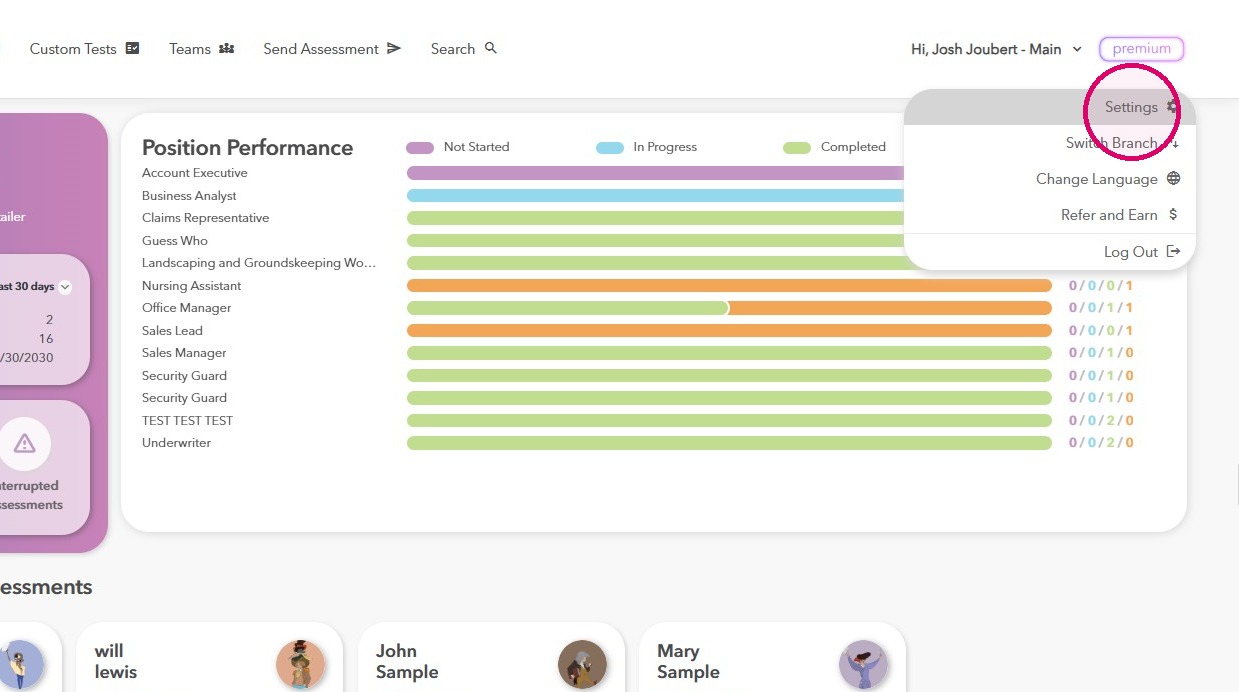
2. Click Settings.
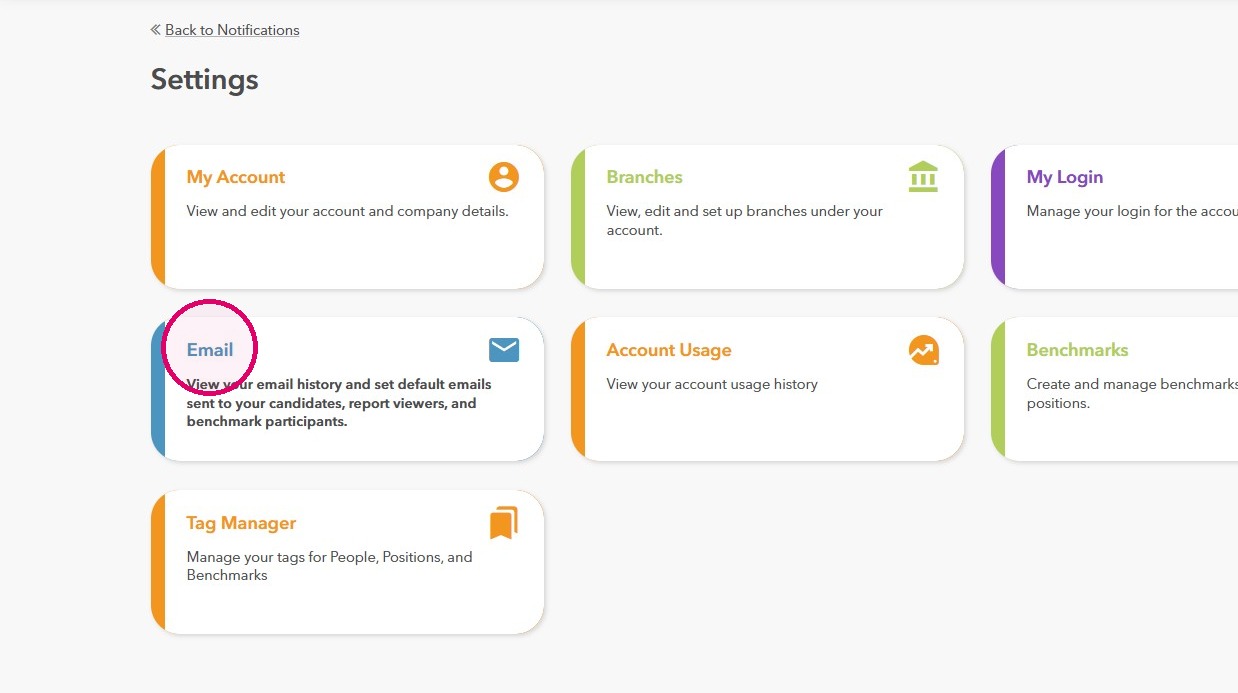
3. Click Email.
Email configuration
4. Click Default Emails.
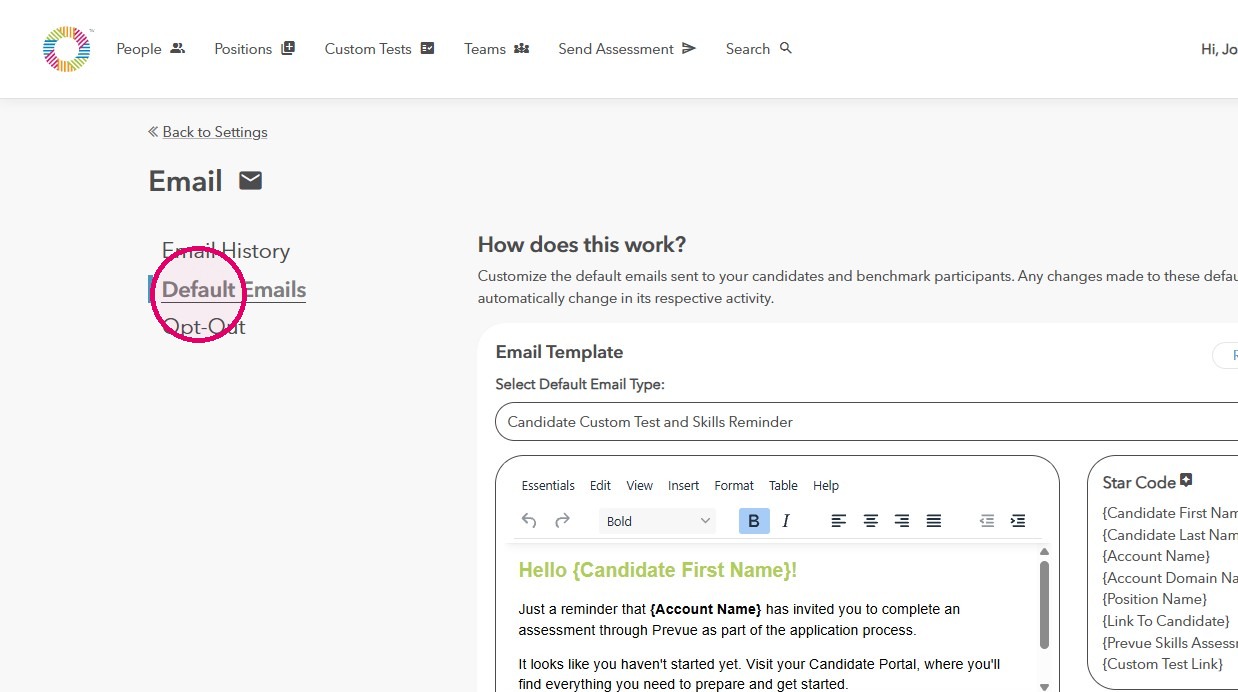
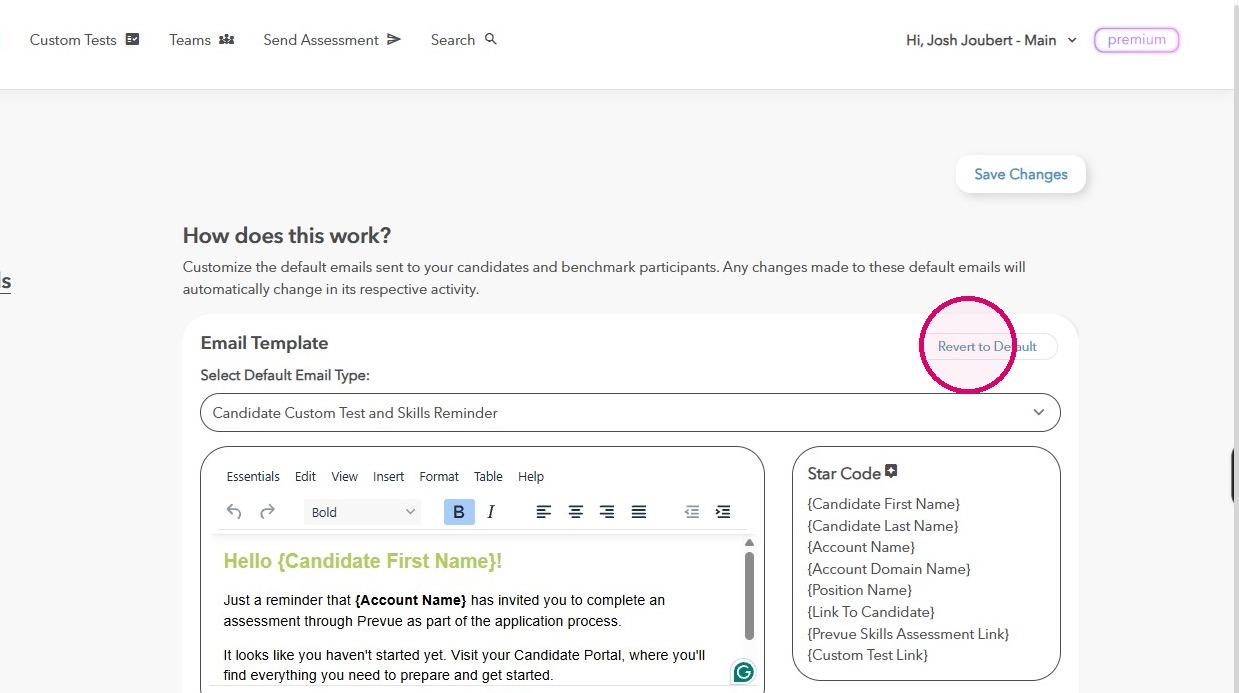
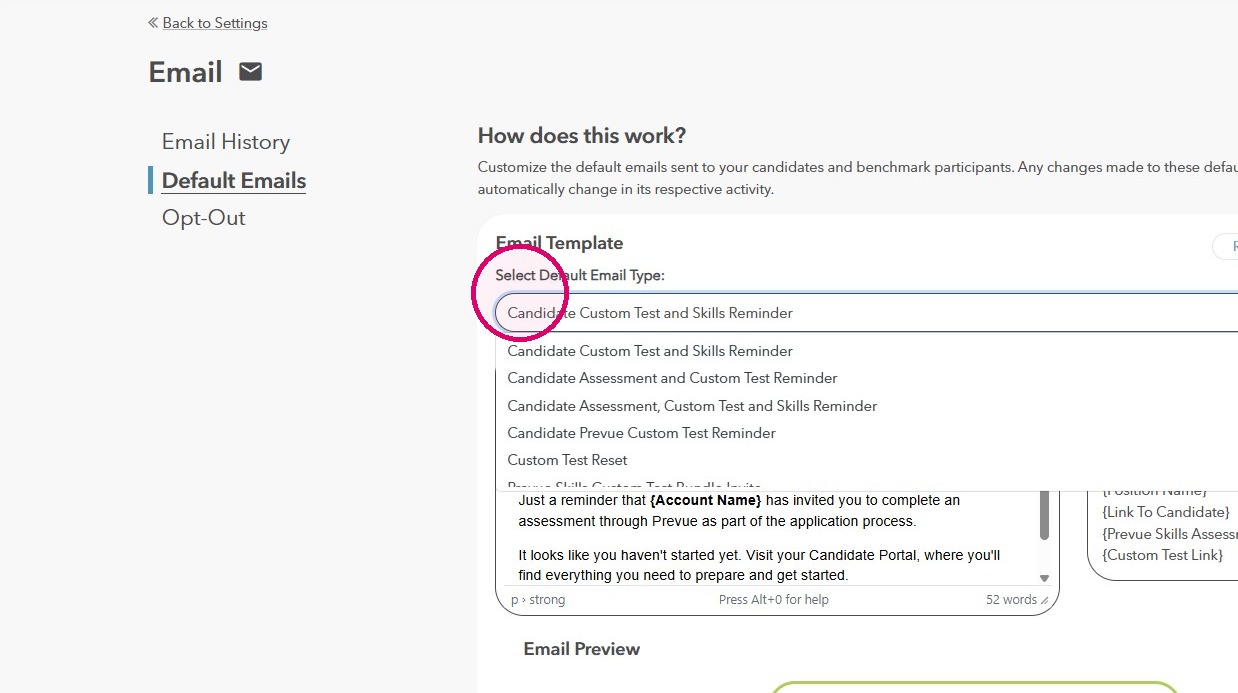
5. Choose the email template you want to edit from the dropdown.
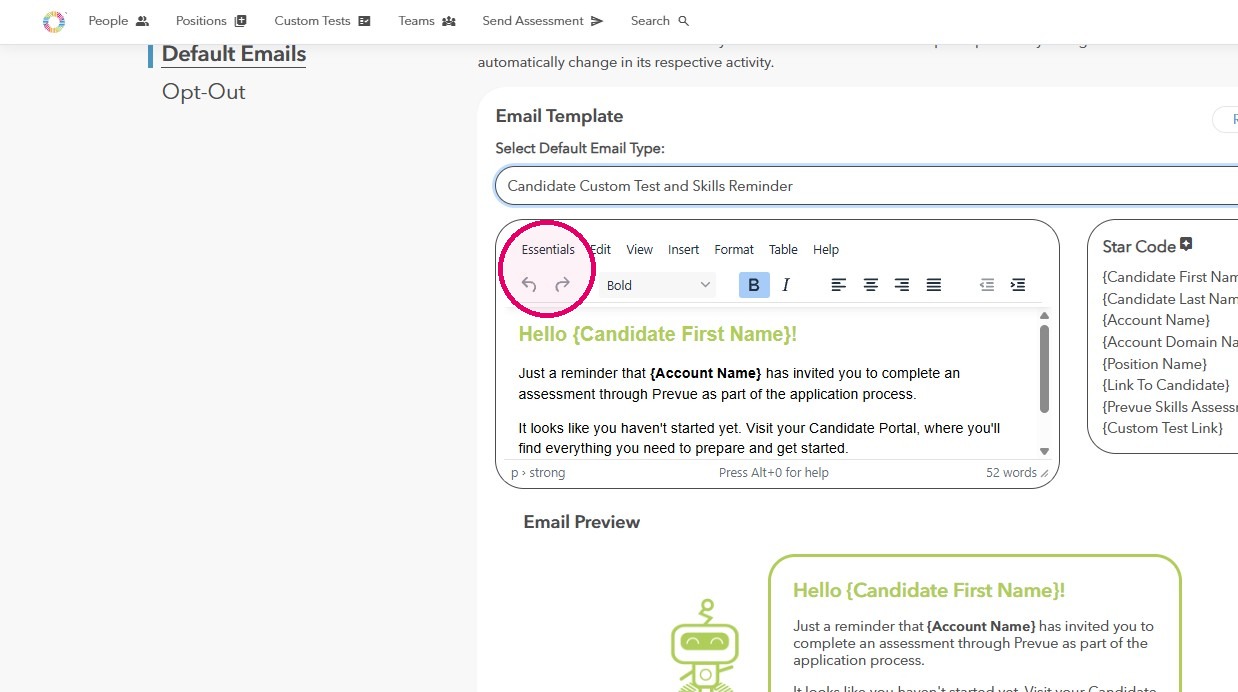
6. You can edit the email template's content.
7. Use the Star Code to personalize the email content.
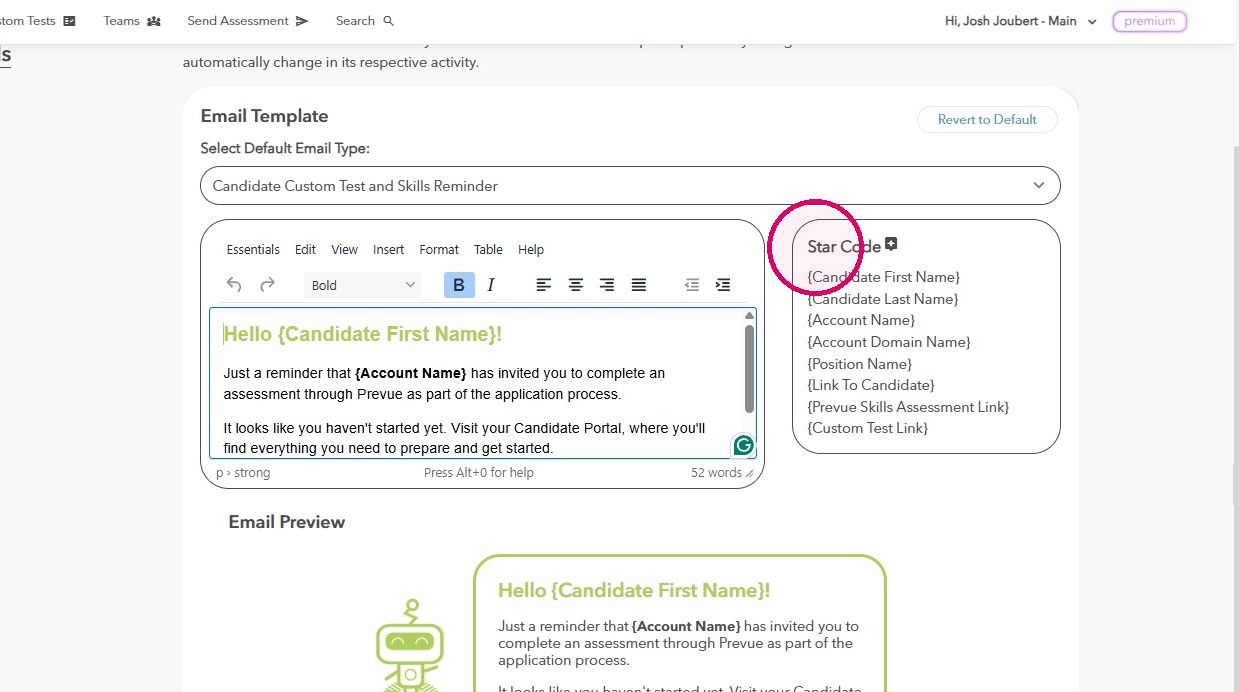
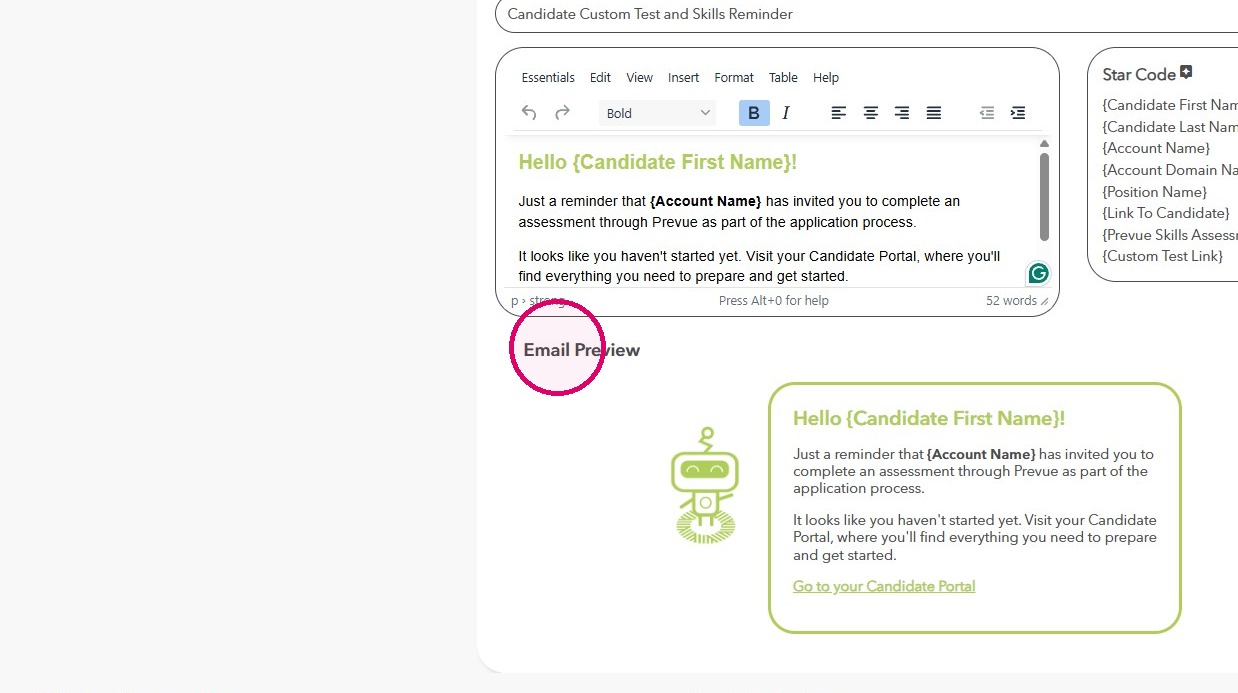
8. Check the Email Preview to see exactly what candidates will see when they get your email.
9. Click Save Changes when you’re done.
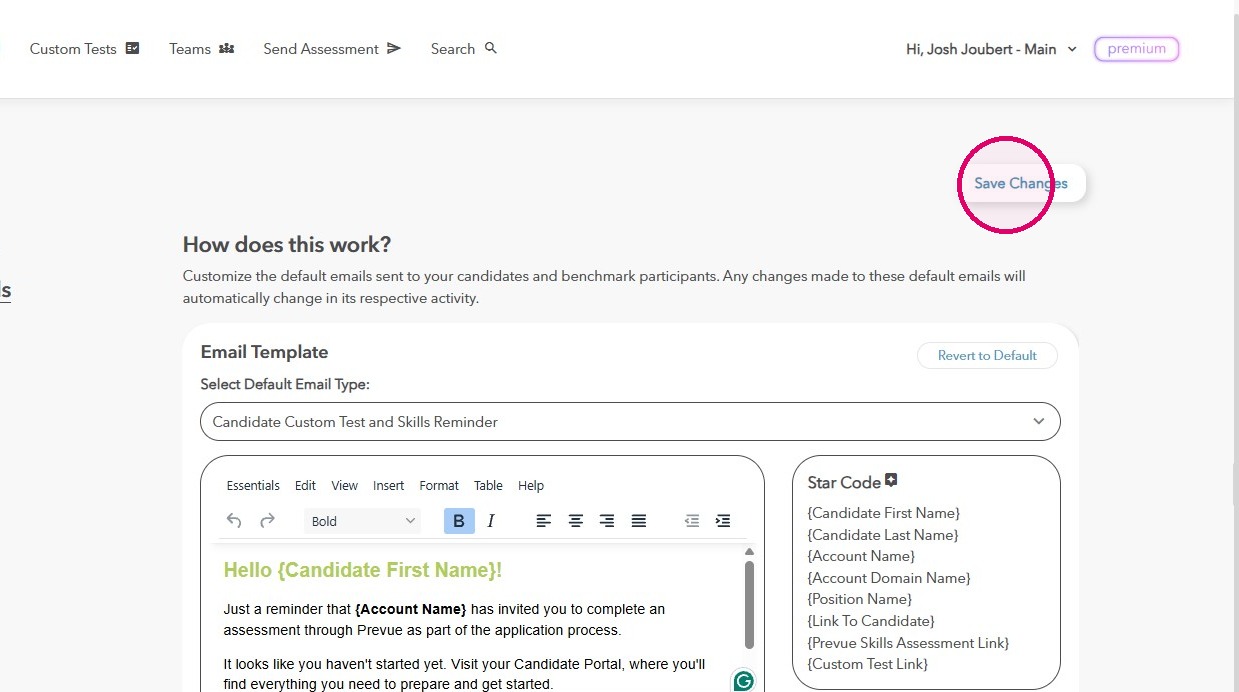
10. Want to go back to the original? Click Revert to Default to reset the template.