![support.png]](https://help.prevuehr.com/hs-fs/hubfs/support.png?height=40&name=support.png)
Open settings
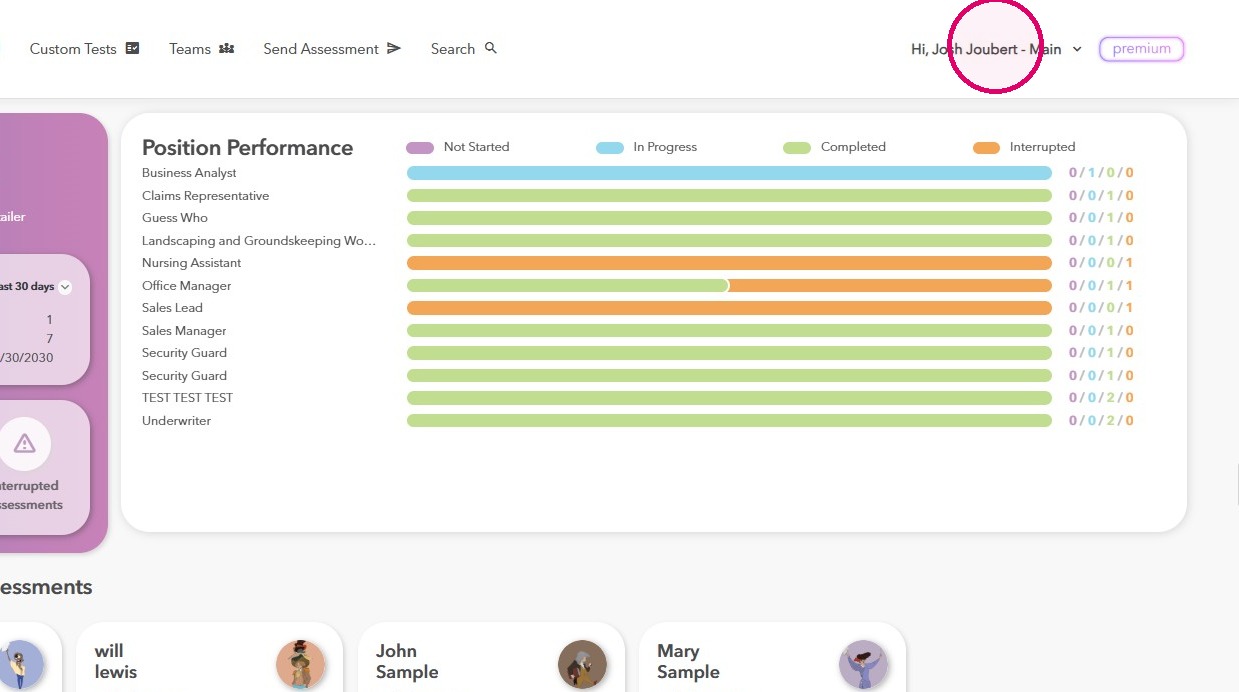
1. Open the Account Menu by clicking on your name.
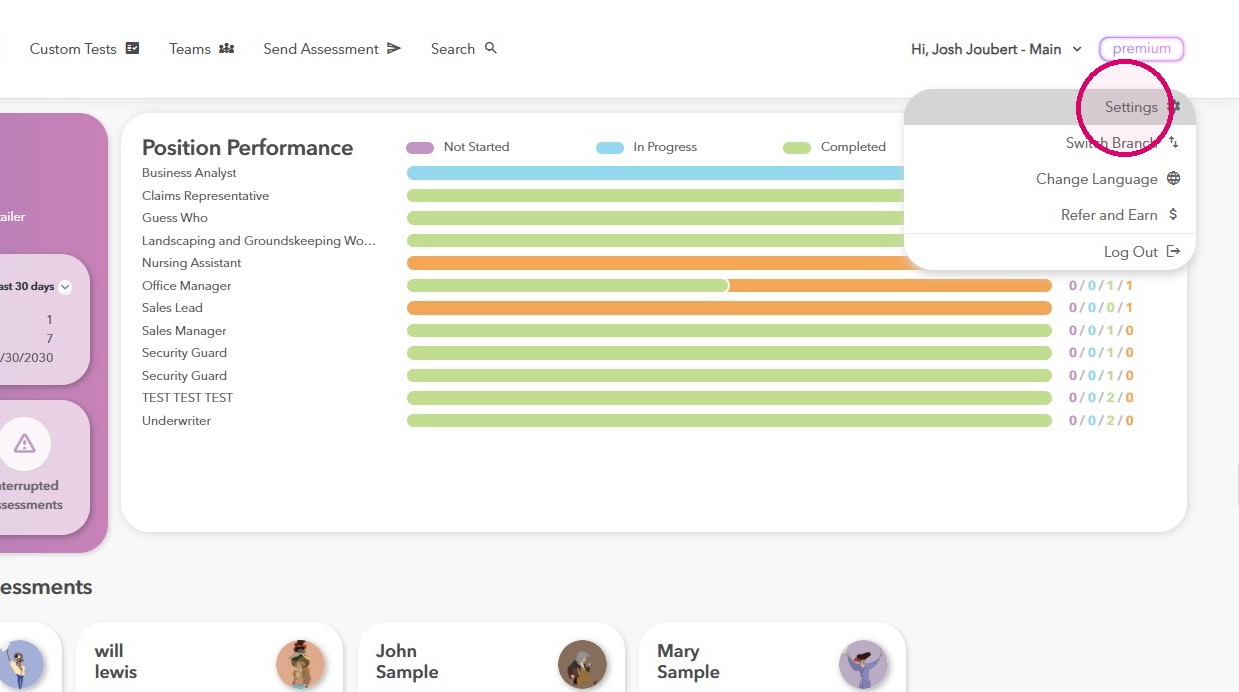
2. Click Settings.
Select benchmarks
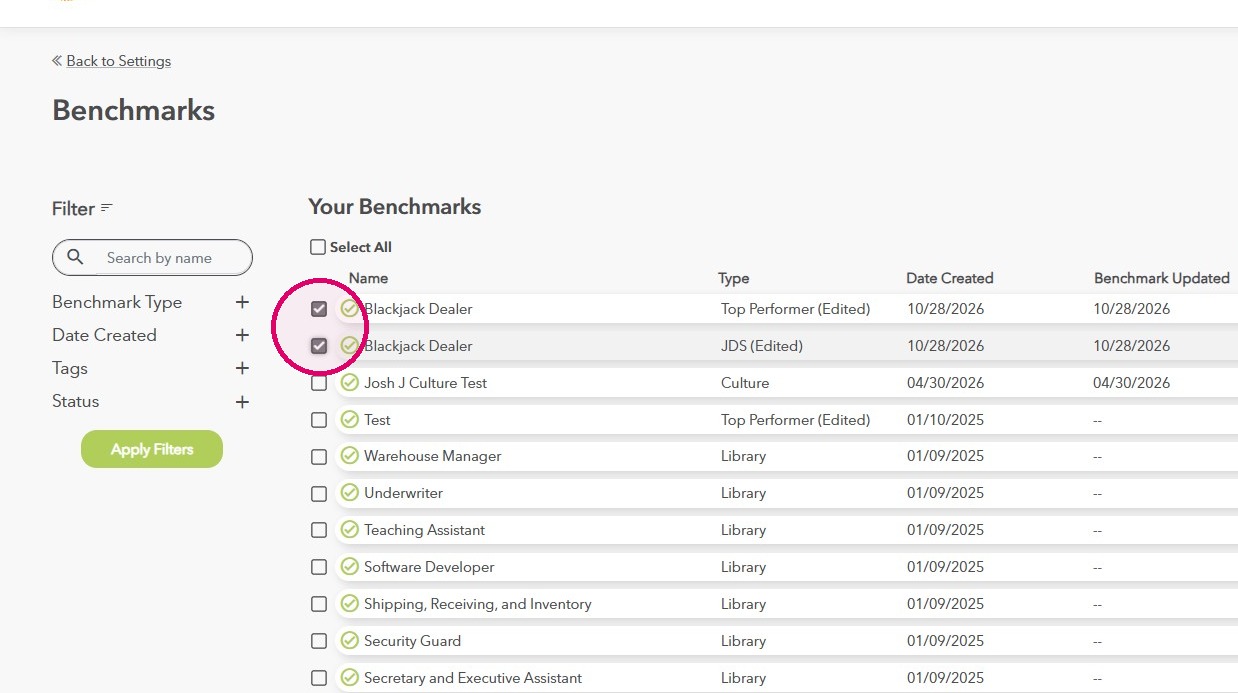
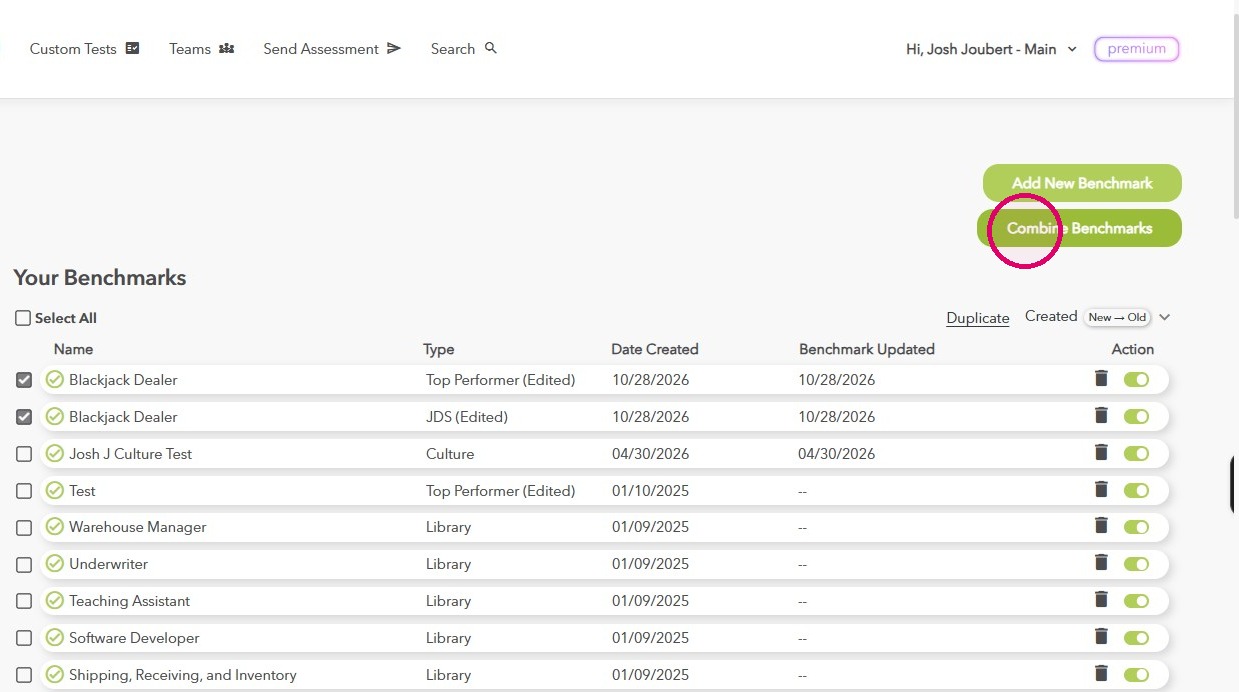
3. Select the benchmarks you'd like to combine by clicking the checkboxes.
4. Click Combine Benchmarks.
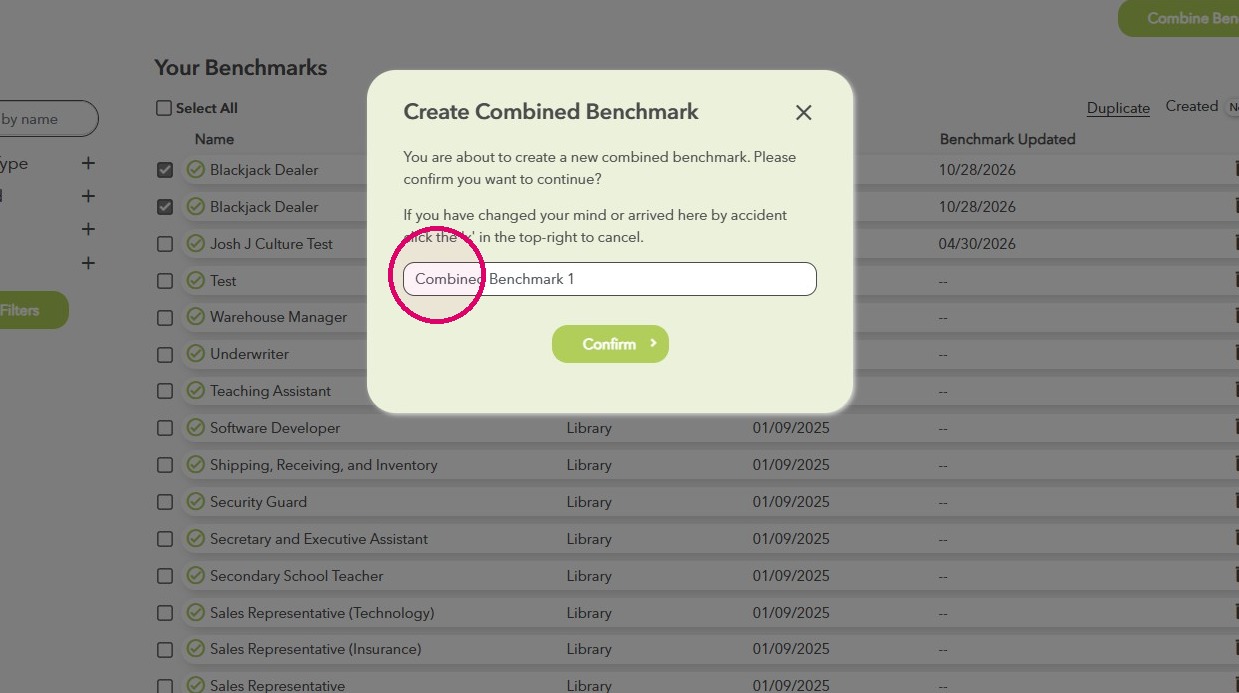
Create combined benchmark
5. Enter the combined benchmark name in the name field.
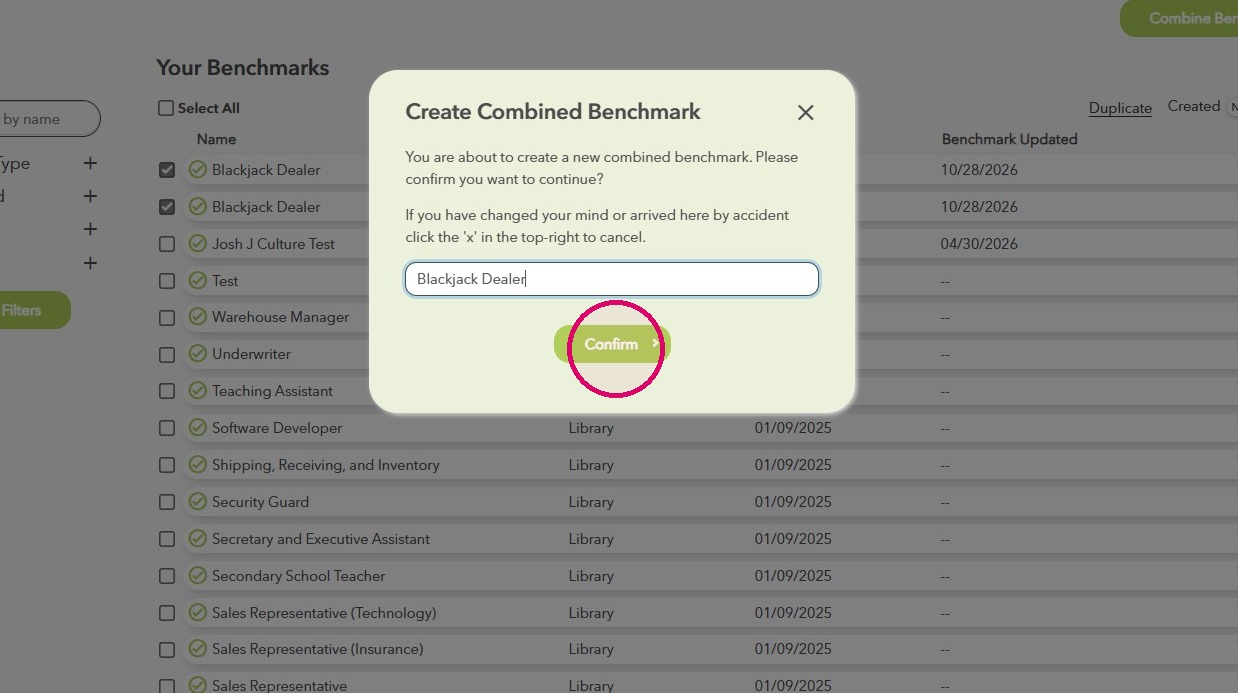
6. Click Confirm.
Review benchmark
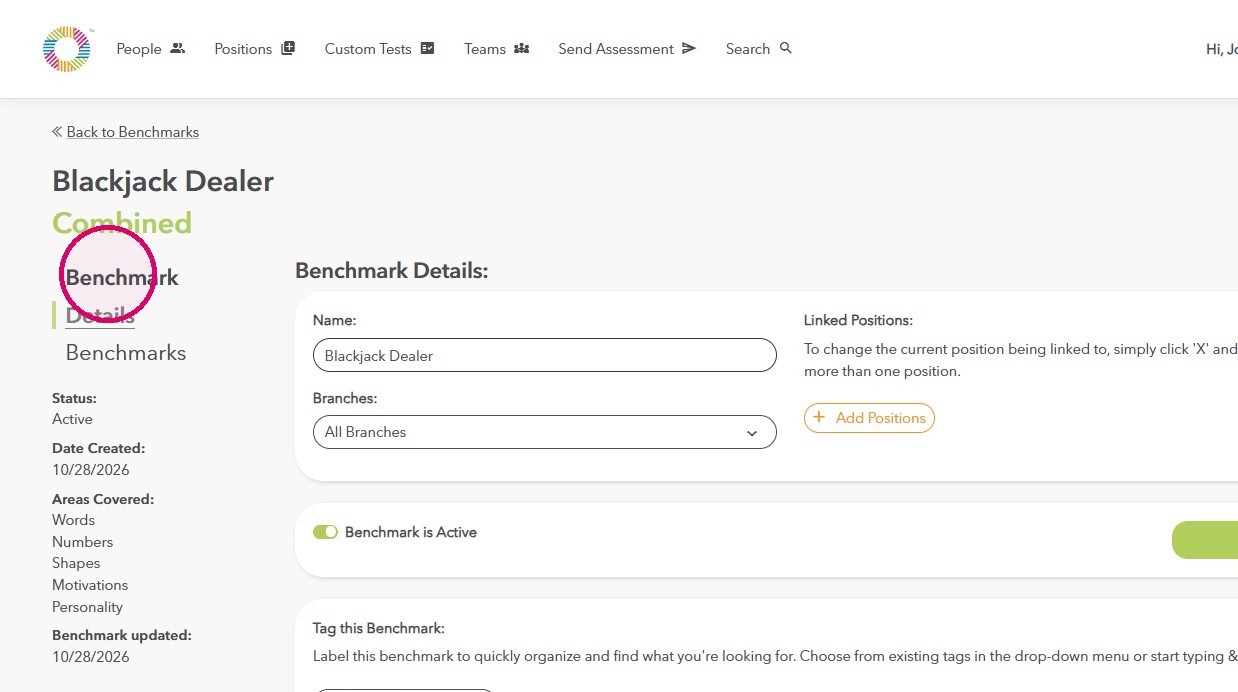
7. Click Benchmark to review your combined benchmark.